





Quick tour of PostHog Desktop
PostHog Desktop brings coding agents, product context, and team processes into one app. Organize work in spaces, ask agents to produce code or interactive canvases, and turn product signals into action.
Work in a space
A space keeps related work together. Its feed contains agent sessions and canvases, while its CONTEXT.md gives agents the product and repository background they need.
An agent session is one ongoing interaction with an agent. It includes your instructions, the agent's responses and progress, its code changes, and any resulting pull request.
Use your personal space for private work. Create a shared space when a project, product area, or recurring workflow belongs to the team. People can follow its agent sessions, join threads, and use the same shared context when they continue the work.
Ask an agent
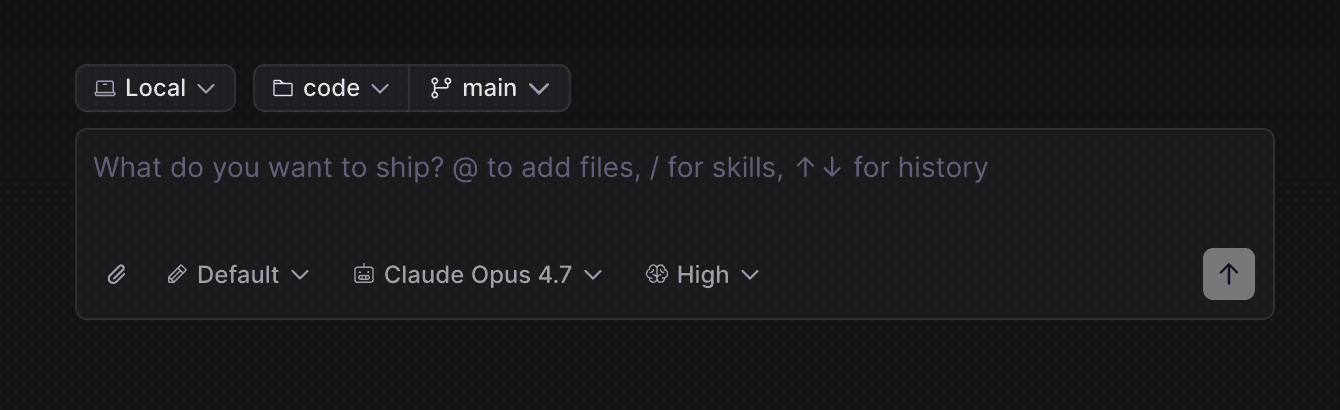
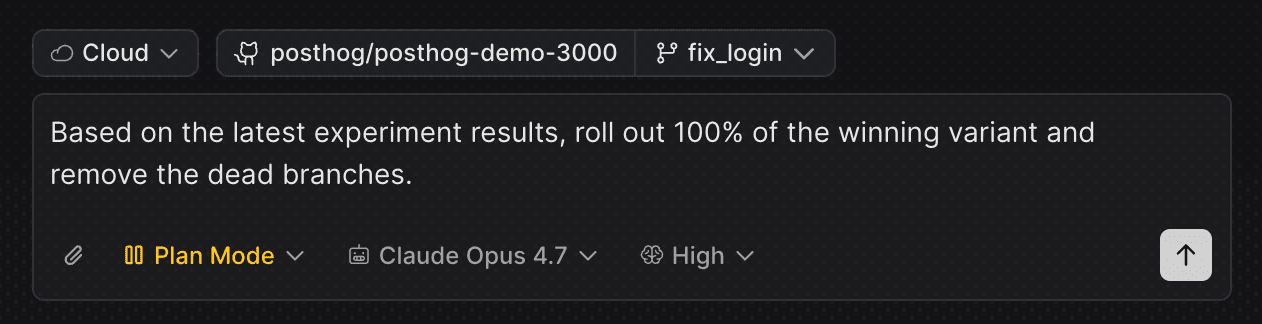
Describe the outcome you want, choose a repository, and send the task. Pick Pi, Claude Code, or Codex, then decide where the agent should work:
- Local for a focused change on your current branch
- Worktree for isolated local work on its own branch
- Cloud for work that should continue after you close the app
Bring in product context
PostHog Desktop gives the agent more than source code. After you sign in, it can use:
- Live product context beside PostHog SDK calls, including event activity, flag rollout, and Experiment status
- PostHog skills for instrumentation, Experiments, warehouse work, and AI Observability
- PostHog's MCP server to query insights, dashboards, Feature Flags, errors, and other project data
- Other MCP servers for services such as issue trackers, design tools, and internal APIs
This lets you ask questions that cross product data and code, such as:
"This error increased after our last release. Which customers are affected, and did conversion change?"
"Is this flag safe to remove, and which branches still depend on it?"
Ship code
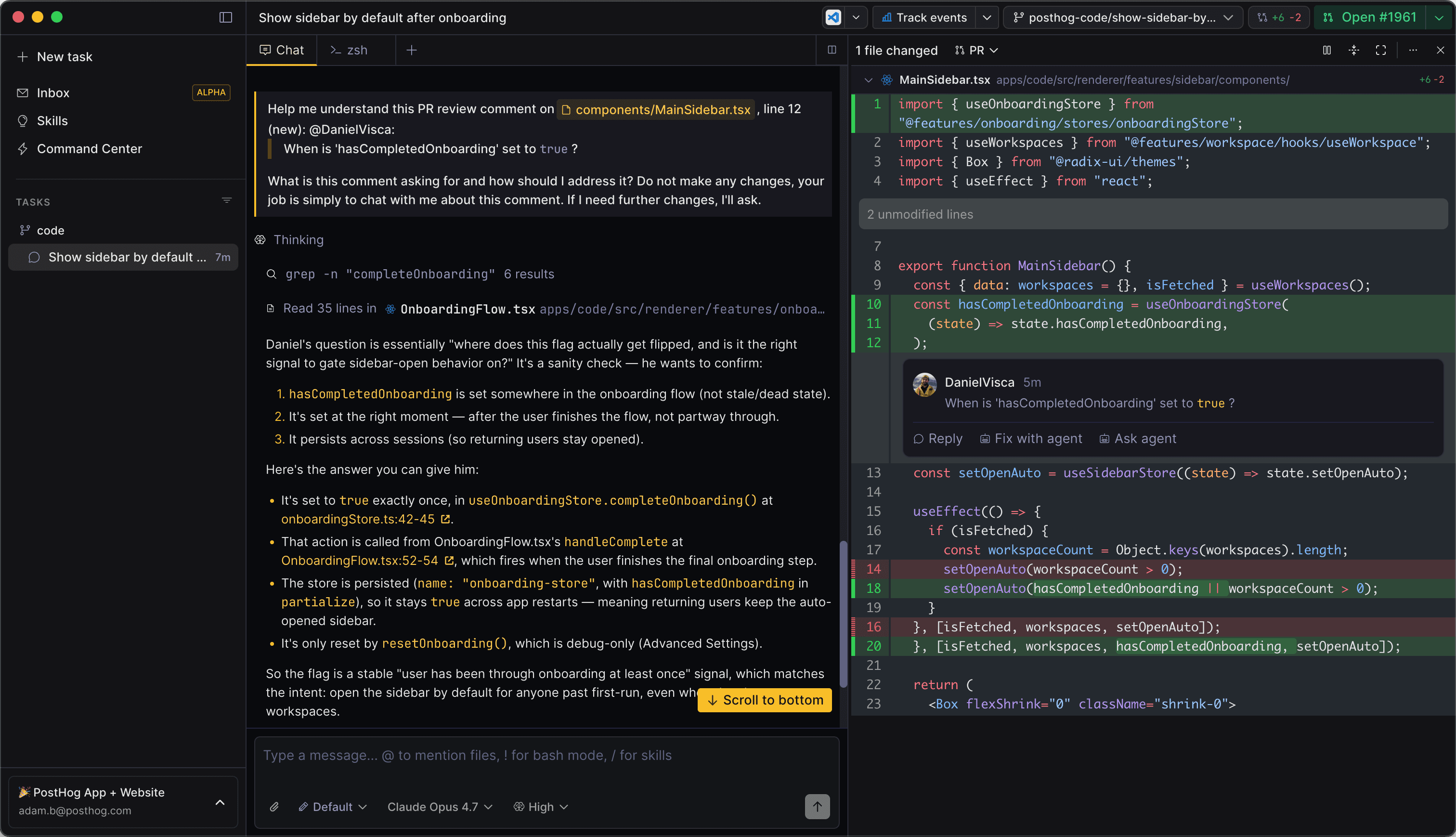
Review edits in the diff panel, comment on a line, and ask the agent to make a correction. When the change is ready, PostHog Desktop can commit it, push the branch, and open a pull request without leaving the task.
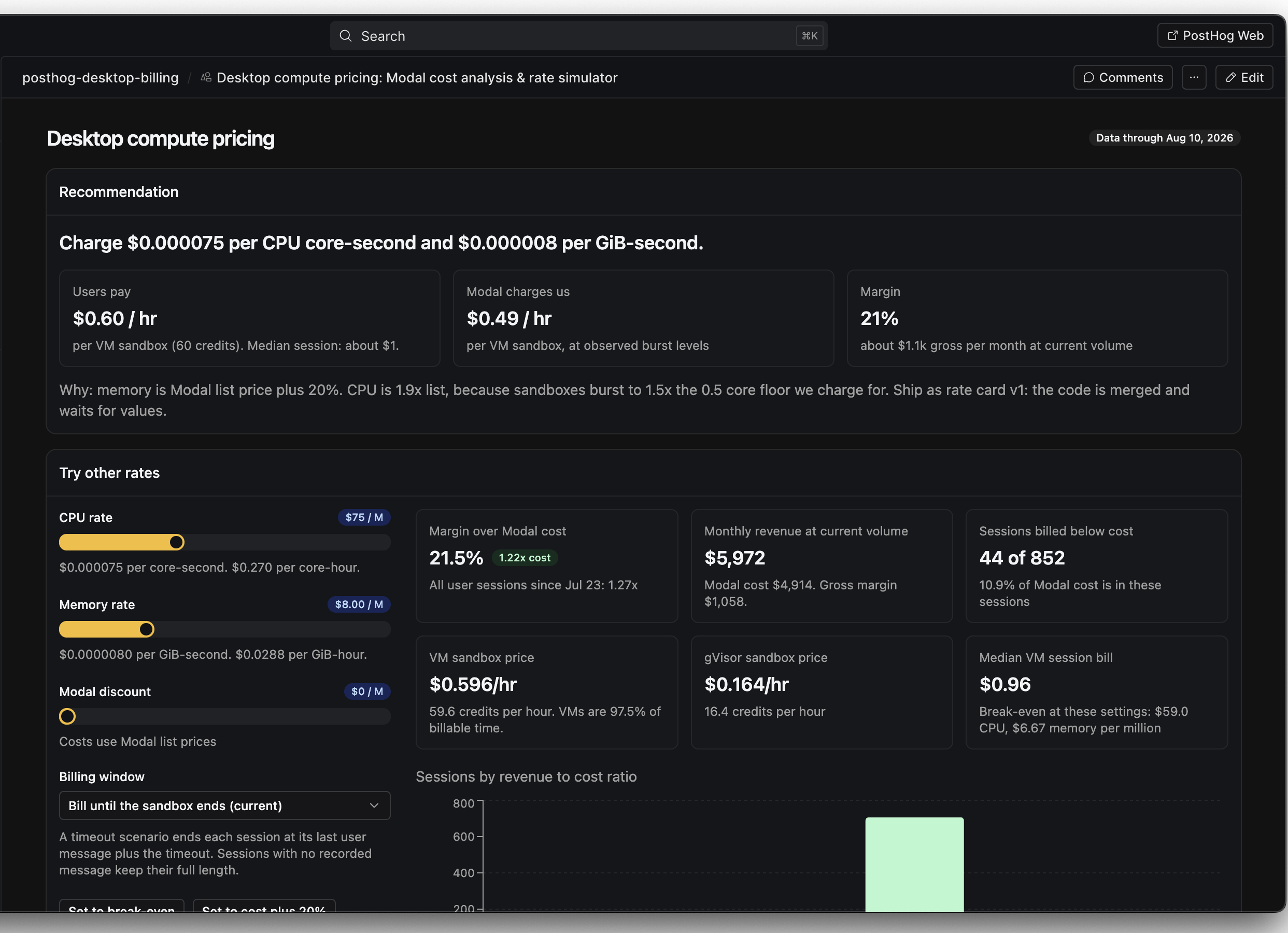
Build a canvas
Ask for a report, product tool, or interactive dashboard that does not fit a standard insight. A canvas can combine PostHog data with filters, shared state, and approved actions. Comment on a specific part, compare versions, revert a change, and share the result with your team.
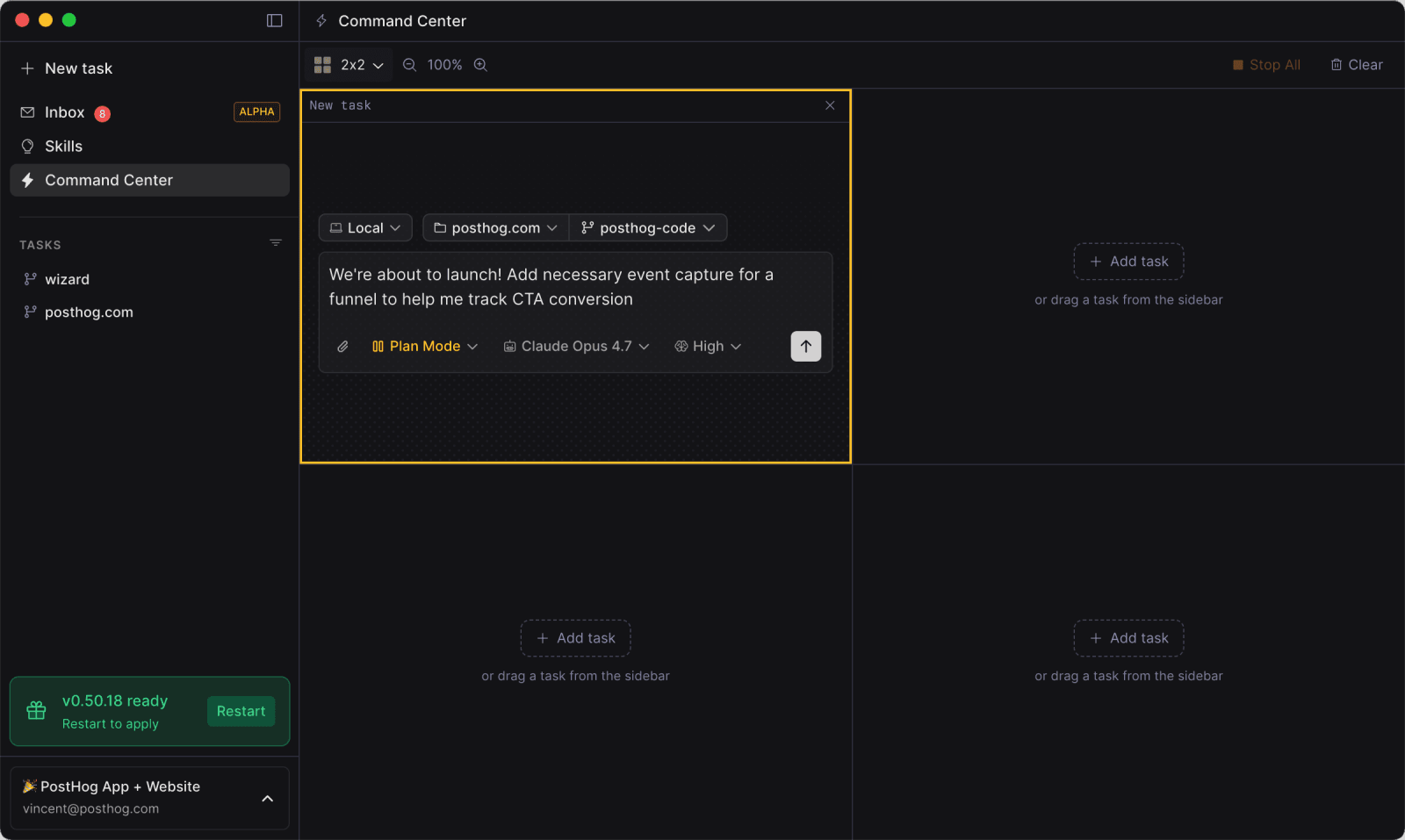
Run agents in parallel
Open Command Center to keep several independent tasks in one grid. Use it to compare approaches, split a project into smaller pieces, clear a batch of fixes, or see which agents need input.
Keep work running in the cloud
Send a task to the cloud when it should keep running after you close the app. Return later to review the result, open a pull request, or move the work back to your computer.
Respond to product signals
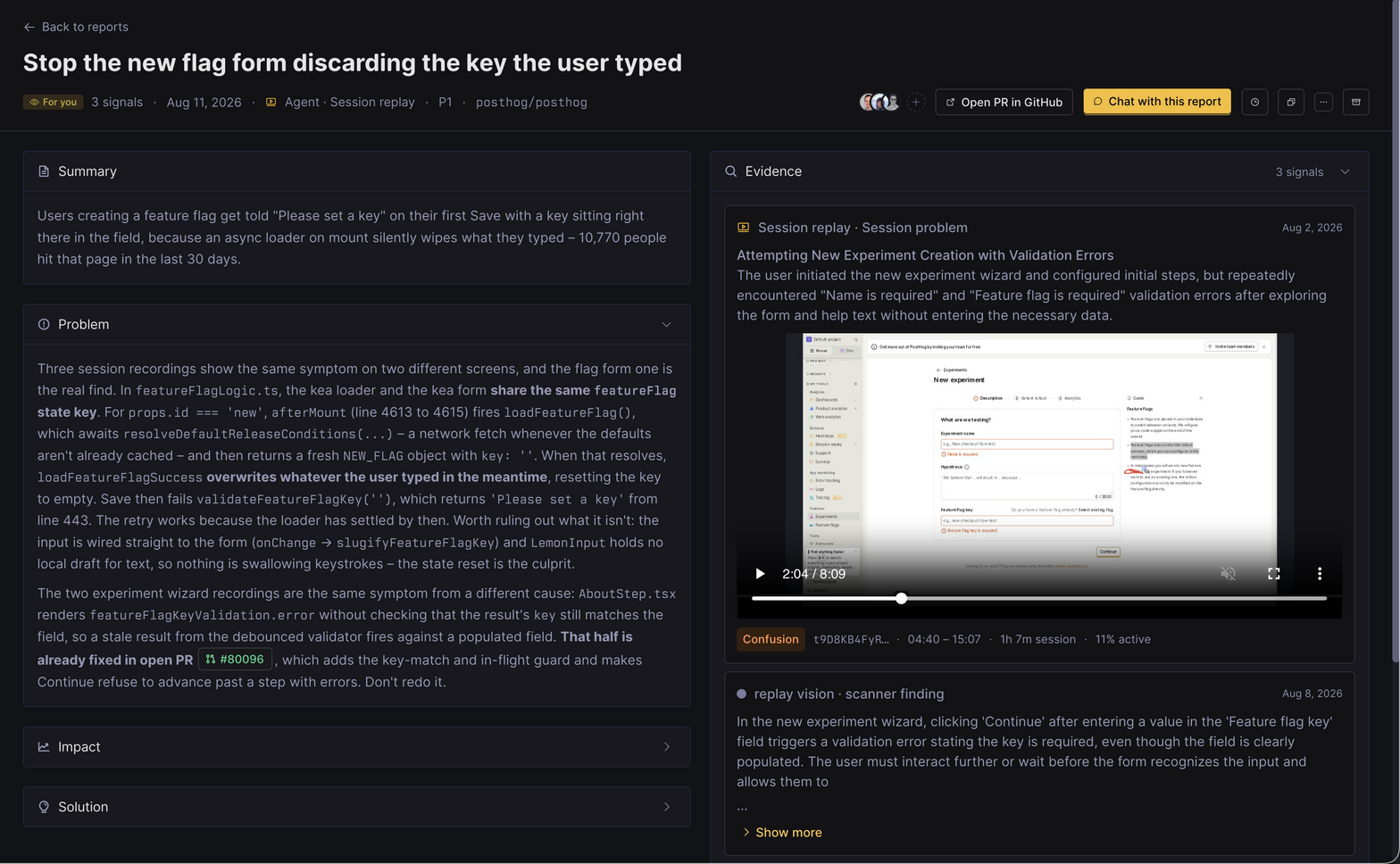
Self-driving agents investigate product signals such as error spikes, support reports, and unexpected behavior. They research the impact, create an actionable report in the Inbox, and can open a pull request when a code fix is possible.
Review each report, assign it to the right person, or let the agent continue with the fix. This turns product data into work before someone has to investigate it manually.
Work with your team
Shared spaces give a team one feed for agent sessions, canvases, and decisions. Mention a teammate in a thread, share a link to the relevant work, or leave feedback where the agent produced it.
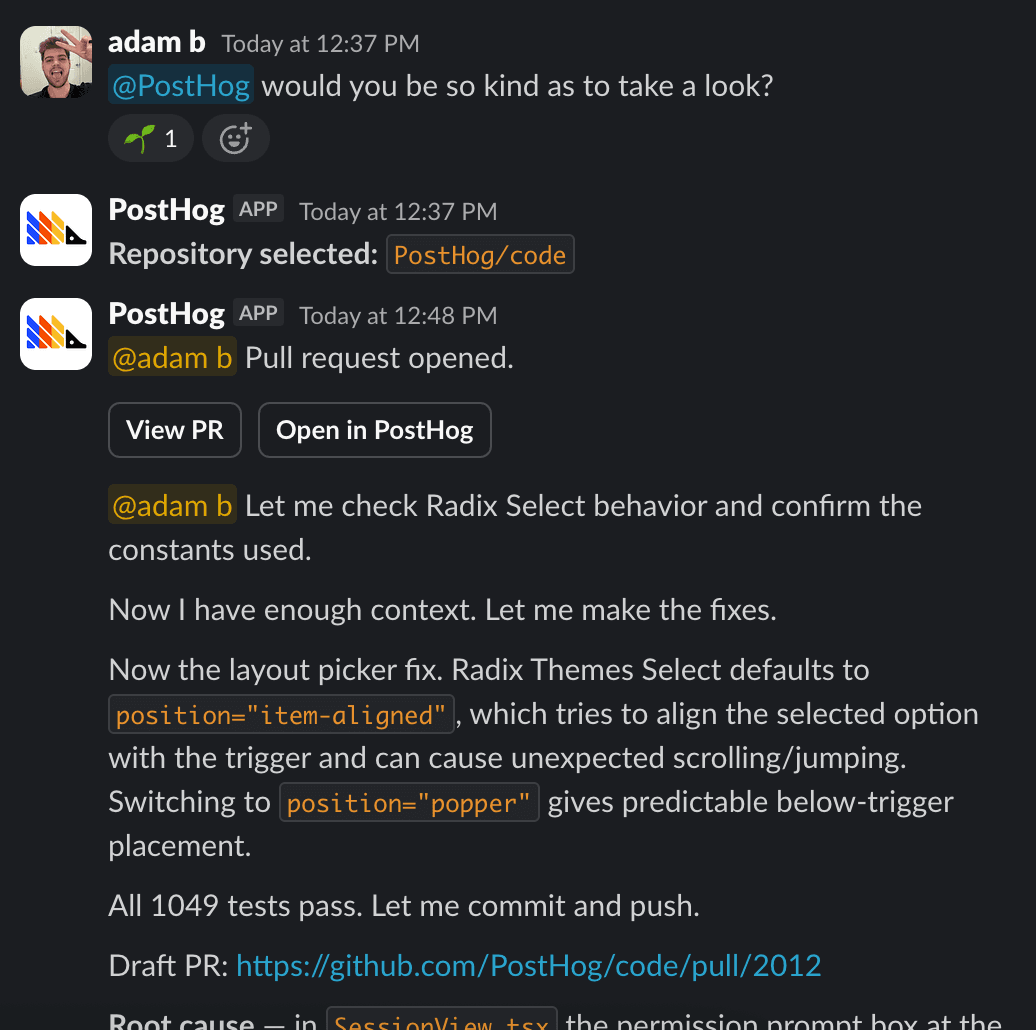
You can also mention @PostHog in Slack to start a task from a conversation. The agent replies in the thread while PostHog Desktop keeps the task, code, and review workflow together.
Download PostHog Desktop
Download PostHog Desktop, sign in, and choose your first repository.
All platforms
See download PostHog Desktop for platform packages, updates, and eligibility.