





MCP servers
Contents
MCP servers give the agent access to tools outside your codebase, such as issue trackers, error trackers, design tools, and internal APIs. PostHog Desktop includes PostHog's MCP server, a catalog of third-party servers, and servers configured on your machine.
PostHog's MCP server
PostHog's MCP server is ready after you sign in. It uses the same account as PostHog Desktop, so you do not need to install or configure it separately.
It uses the project selected in the bottom-left project switcher. See PostHog integration for the other features controlled by that selection.
Connect other servers
Open Settings > MCP servers to browse hosted servers, connect one, and manage its tools. Each server starts its own sign-in or API key flow. Its tools are available in your next task.
If an administrator allows it, you can add a hosted server that is not in the catalog.
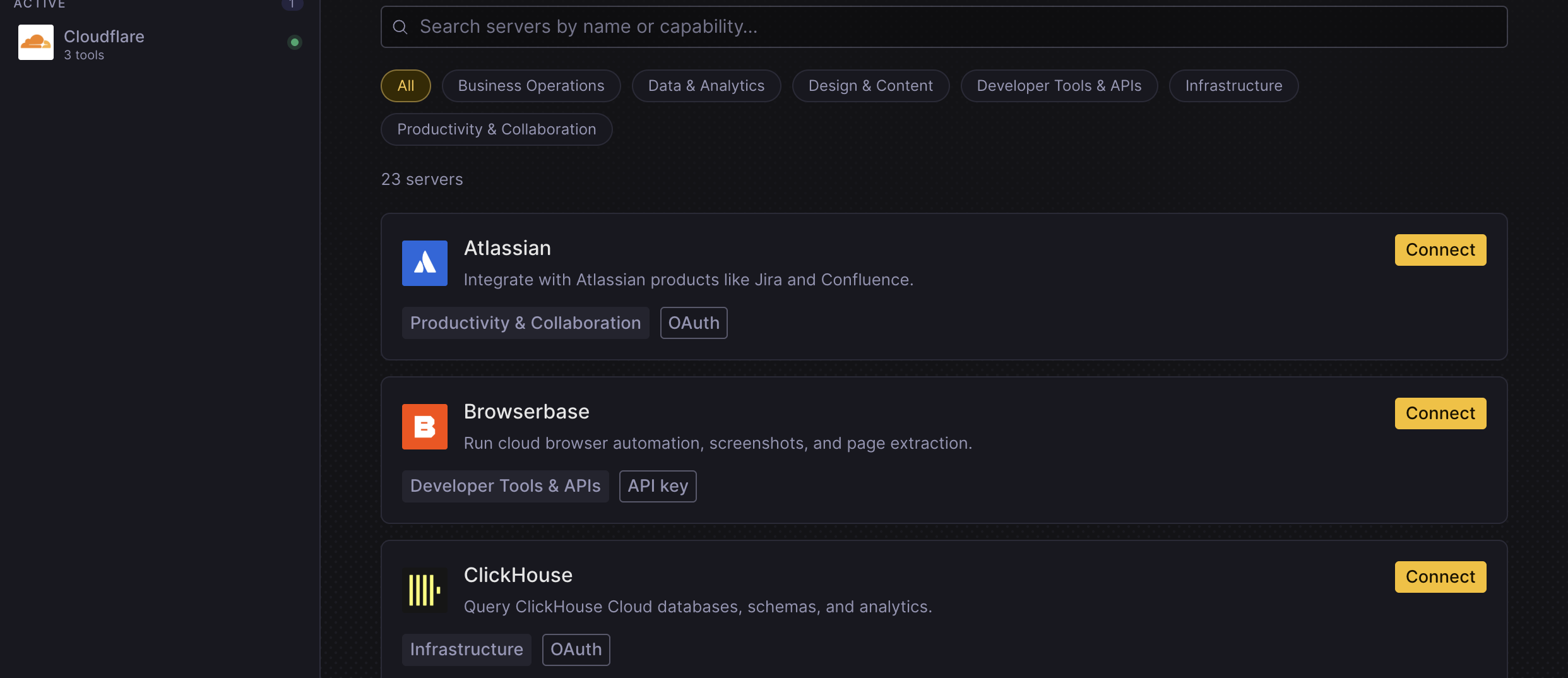
Use the server settings to review its tools, choose which calls need confirmation, and control team access. You can also review tool activity from connected servers.
Use servers on your machine
Local tasks also load servers configured outside PostHog Desktop:
| Source | Notes |
|---|---|
~/.claude.json | Existing Claude MCP configuration |
~/.pi/agent/mcp.json | Global servers, Pi only |
.pi/mcp.json in a repo | Project servers, Pi only. Trust the repository first |
The MCP servers view lists local and connected servers. It also shows whether each server can run in the cloud.
Repository trust for Pi servers
The .pi/ paths apply only to the Pi harness. Claude Code and Codex ignore them.
PostHog Desktop does not load a repository's .pi/mcp.json until you trust that repository. When it finds project-local Pi configuration, it shows a trust control above the composer. Review the .pi/ directory before you trust it, because those servers run on your machine with your permissions.
Trust carries between Pi in the terminal and PostHog Desktop. It also covers the branch directories created for that repository.
Use local servers in cloud runs
Cloud runs can use many of the same MCP tools as local tasks. Hosted servers and servers with a public address keep working when your computer is offline.
A server that exists only on your computer or private network needs PostHog Desktop to stay open. Use a hosted server for work that should continue after you close the app.
Approve tool calls
The first time an agent calls an unapproved tool, PostHog Desktop asks what to do. Allow it once, allow it for the session, or block it. You can also set a standing policy in the server settings. Autonomy modes control how often PostHog Desktop asks.
Treat MCP tools like credentials. A connected server can read or write data in the service it connects to.