





PostHog Desktop skills
Contents
Skills give agents a repeatable process for specific work. Use them to apply your team's conventions, follow a debugging process, or complete a PostHog task without explaining the same steps each time.
PostHog Desktop includes skills for instrumentation, Experiments, Data Warehouse, Error Tracking, and AI Observability. You can also install community skills, create your own, or share one with your team.
Find and install skills
Open Skills from the left sidebar. Use the Installed, Team, and Marketplace tabs to browse what is available, then select a skill to read it.
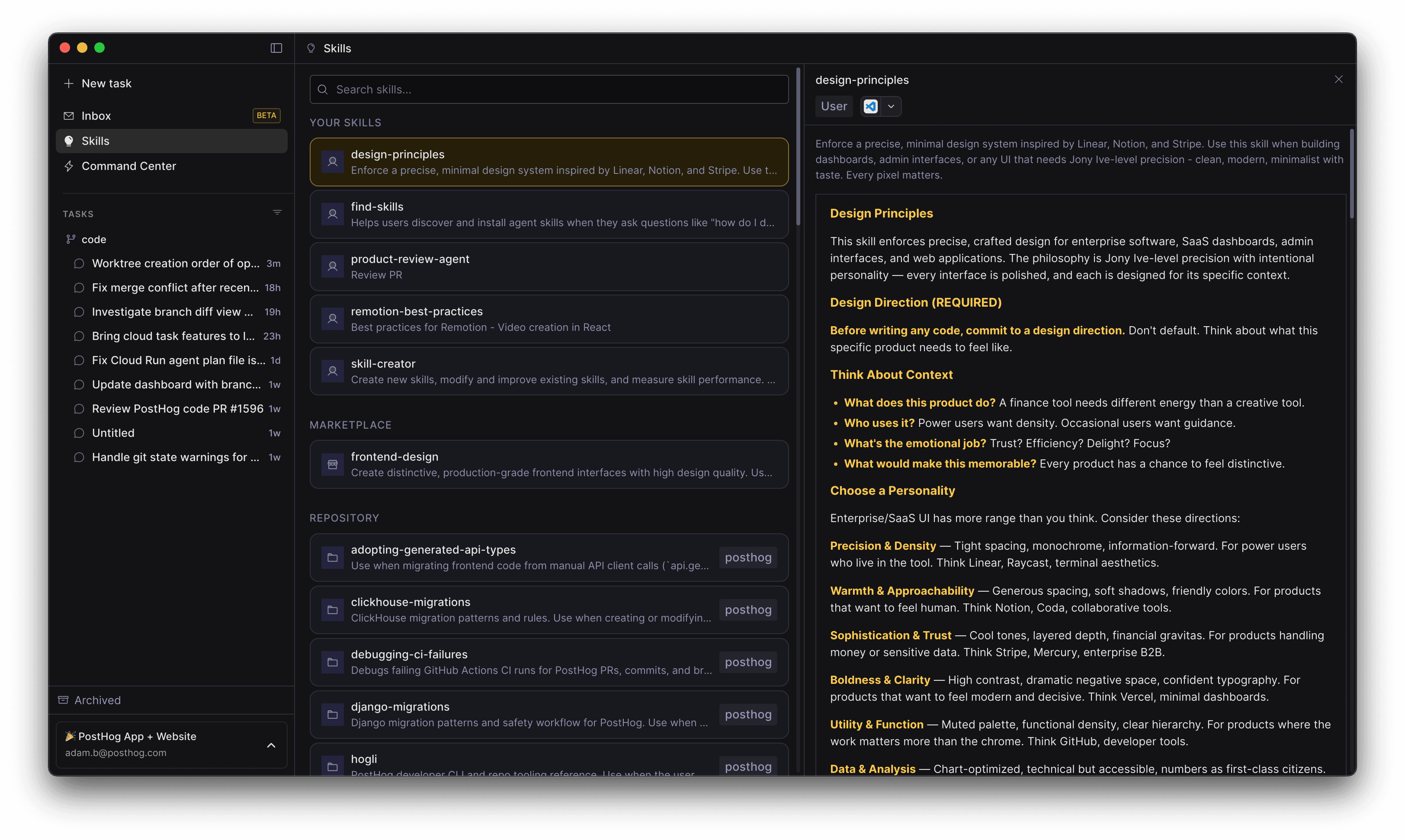
Skills can come from:
- PostHog Desktop itself
- Your personal skills
- A repository added to PostHog Desktop
- Your PostHog team
- The skills.sh community marketplace
See PostHog integration for the work covered by PostHog's built-in skills.
Create and share a skill
Create a skill from the Skills view and edit it in PostHog Desktop. Keep it narrow, explain when the agent should use it, and give the agent clear steps to follow.
Save a skill for yourself, add it to a repository for project-specific work, or publish it to your PostHog team. Changes appear in the Skills view automatically.
A task uses the skills available when it starts. Start a new task after adding or changing a skill.